01
Grand Opening
- Recorded starting cash balance and responsible staff member
- Critical stock levels reviewed
- Out-of-stock items communicated
- Terminal, printer, and connection ready

Free tool · Restaurants, coffee shops, and diners
Calculate cost per portion, factor in waste and commissions, compare your margins, and use a practical checklist to control every shift.
Recipe Calculator
Enter a recipe based on how you buy and how you use it. In less than five minutes, you'll have a clear estimate to make better decisions.
Ingredient
Downloadable checklist
The recipe answers how much a product costs. The checklist ensures that checkout, inventory, and managers tell the same story at the end of the day.
01
02
03
Print-ready PDF to use with your team.
From a single recipe to entire operations
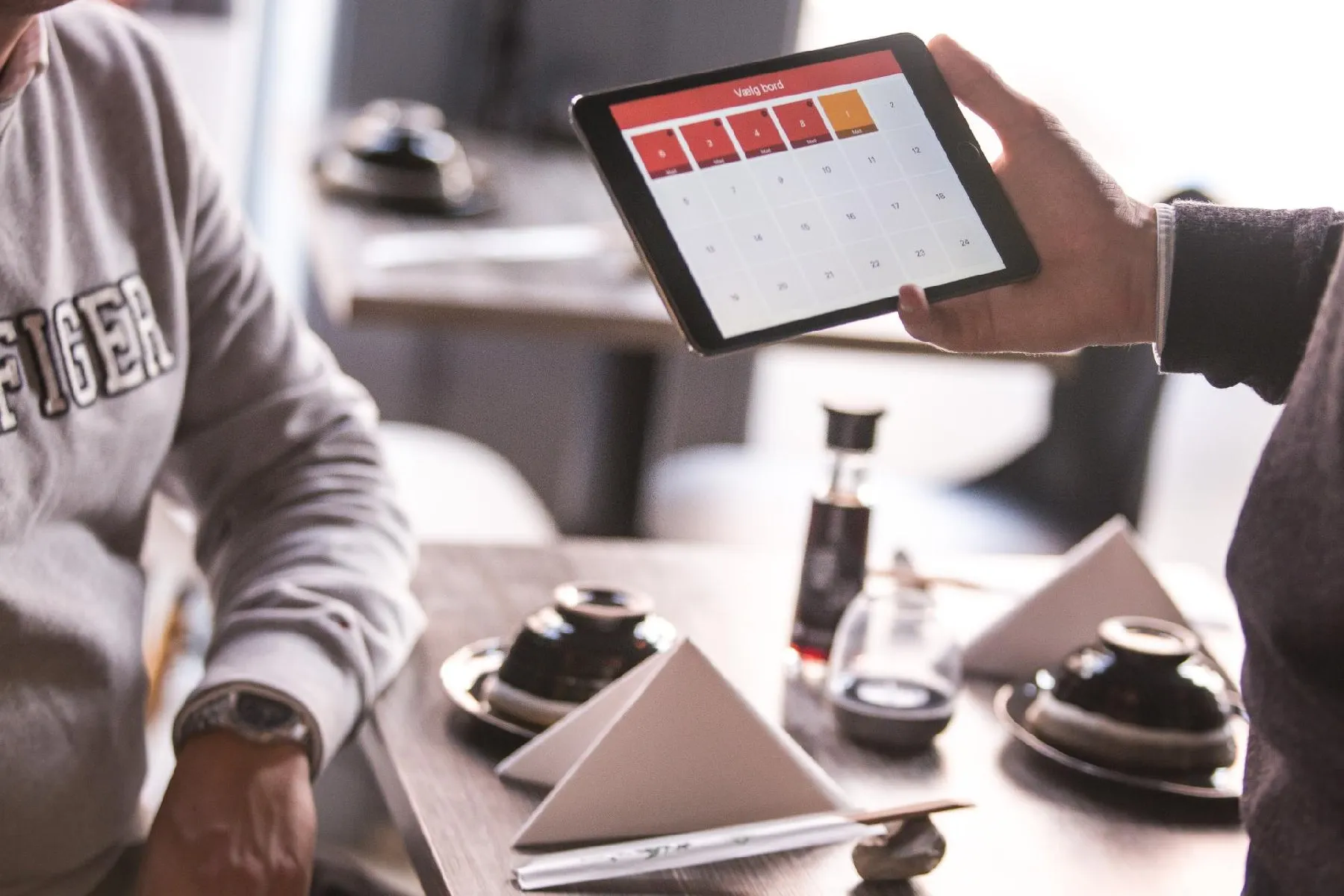
The actual interface brings together order tickets, the cash register, recipes, inventory, and customers. The staff can take orders from their phones, and you can check margins and stock levels right from your browser.
Real interface
Fluff-free nutrition
Three short tutorials on the actual demo: first the order ticket, then the margin, and then the inventory.
Open the table, pick from the catalog, customize extras, and send the order ticket to the bar.
Watch tutorial →The report that separates what you sold from what you kept, with product-by-product menu engineering.
Watch tutorial →Coverage by supply item, alert thresholds, and suggested reorders so you never run out of stock.
Watch tutorial →Prepared demonstration
Share five operational details via WhatsApp or book directly. When you request pricing, a trial, a demo, or urgent assistance, follow-up is handed off to a real person.
Next step
Five details help us prepare a demo tailored to your actual revenue leaks.
Base price
$595 MXN/month
No upfront payment; agreed baseline scope.
Minimum hardware
Computer + printer
8 GB RAM, 20 GB, Dual Core 2 GHz, and Linux.
Daily use
Browser + smartphone
Mobile order tickets without installing an app on every device.
Frequently asked questions
No. The calculation runs in your browser. Publicidad.Express does not receive the ingredients, costs, or prices you enter.
Margin compares profit against the selling price. A markup compares profit against cost. The tool uses margin on sales so the benchmark remains consistent.
The calculator is an operational guideline. Before setting prices, factor in taxes, rent, utilities, promotions, untracked waste, and any costs specific to your business.
No. The demo video call is free. We review your current workflow, show the actual interface, and confirm whether the base version can help you.
There is no upfront fee. The published base version has hosting at $595 MXN monthly. Special features and third-party usage fees are agreed upon separately.
Video call
Tell us what you sell, how you take order tickets, and where time or money is being lost. In thirty minutes, we'll see if the $595 MXN monthly base fits your business.
Can’t see the calendar? Open calendar in a new tab ↗